1. Describe the flat pattern
Specify your palette, shapes and direction. For example: “Copper contour lines over charcoal and deep petrol blue, broad flowing bands, flat edge-to-edge artwork, no text or vehicle.”
Describe a flat pattern, apply it to a supported vehicle and adjust placement and finish. AI generation requires sign-in and credits.
Open the generator & editor ↗This is an appearance study. Colors and panel placement are illustrative. Exported artwork is not a calibrated installation template or a verified Tesla Paint Shop file.
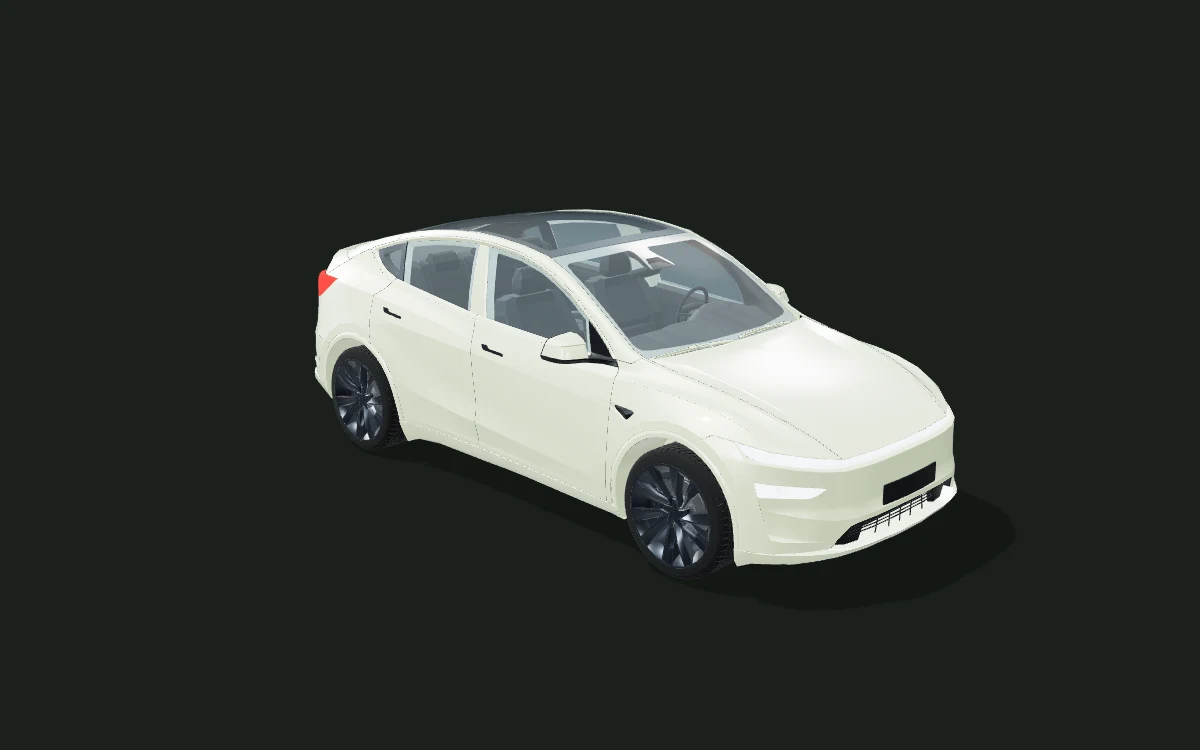
3D model: BloxBloger. CC BY-NC 4.0. Web geometry and paint materials adapted for this preview. Full asset credits ↗
Specify your palette, shapes and direction. For example: “Copper contour lines over charcoal and deep petrol blue, broad flowing bands, flat edge-to-edge artwork, no text or vehicle.”
Choose your vehicle and sign in using the save panel. The AI section shows availability, your balance and the credit cost before you generate. Apply a completed result to preview it in 3D.
Adjust artwork scale, rotation and finish. Download a concept or save privately to your account. Publishing a shareable version is a separate choice.
| Feature | Available scope |
|---|---|
| Free browser tools | Compare colors, finishes and uploaded artwork on 14 vehicle body studies. Basic editing, presets and concept downloads need no account. |
| Professional editing | Tesla Model Y / BMW M4 support text and image layers with regional 2D/3D placement. Other vehicles use the quick whole-body preview. |
| AI artwork and credits | Sign in to generate flat artwork with account credits. The live panel shows the cost and availability before submission. Apply a completed image as the whole-wrap base; regional layers are a separate Pro tool. |
| Saving and publication | Keep settings on this device, or sign in to save a private design. Publishing requires a separate submission and approval; generation alone does not publish your artwork. |
| What you can export | Download a 3D concept PNG and flat artwork. Pro also exports an editable project JSON for reopening supported layers; a screenshot PNG alone is not an editable project. |
| Before physical installation | These body studies and semantic regions are visual concepts, without measured panel dimensions. They do not provide vinyl cutting files, calibrated print templates or verified Tesla Paint Shop files. Confirm film samples, seams, coverage and production files with an installer. |
It generates flat artwork that the same 3D editor maps onto your selected vehicle. The preview uses approximate projection; it is not a measured panel template, a vinyl cutting file or a verified Tesla Paint Shop export. It cannot guarantee printable lettering, exact logos or seamless joins.
Basic editing, studio presets and preview downloads are free. AI generation uses account credits and may be temporarily unavailable when the preview service reaches its daily limit. The live panel shows the current cost; no generation starts until you submit a prompt. Each successful generation uses 1 credit; failed generations return the reserved credit.
The provider named in the live panel receives your text prompt. Uploaded images are not sent to it. Generated results stay private in your account; use the save panel to keep an editable design and choose explicitly if you want to publish it.